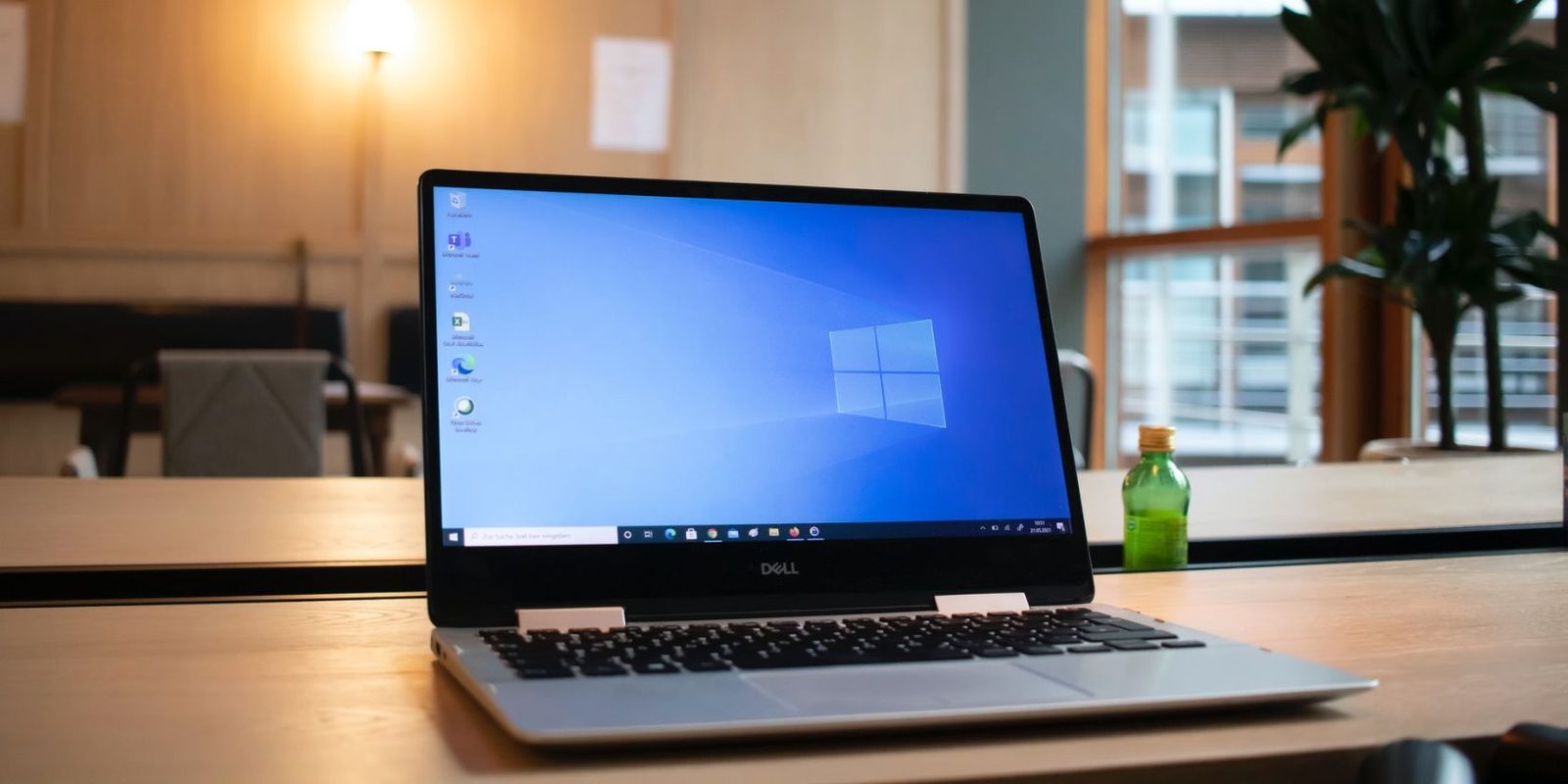
Win10
Defender bawaan.
Update & Security.
Sementara
Real-time Off.
Otomatis aktif lagi.
PowerShell
Set-MpPreference.
Admin mode.
Permanen
gpedit/registry.
Pengganti wajib.
Pertanyaan Umum
Bagaimana cara menonaktifkan antivirus Windows 10?
Start → Settings → Update & Security → Windows Security → Virus & threat protection → Manage settings → matikan Real-time protection. Aktif otomatis lagi setelah restart/beberapa jam.
Bagaimana via Windows Defender Security Center?
Start → ketik 'Windows Security' → Virus & threat protection → Manage settings → matikan Real-time protection & Cloud-based protection.
Bagaimana via PowerShell?
Win+X → Windows PowerShell (Admin) → Set-MpPreference -DisableRealtimeMonitoring $true → Enter.
Bagaimana menonaktifkan permanen di Windows 10?
Pro/Enterprise: gpedit.msc → Computer Configuration → Administrative Templates → Windows Components → Microsoft Defender Antivirus → Turn off Microsoft Defender Antivirus → Enabled. Home: Registry HKLM\SOFTWARE\Policies\Microsoft\Windows Defender → DWORD DisableAntiSpyware=1 → restart.
Mengapa Defender perlu dimatikan sementara?
Gagal instal aplikasi (mis. Smadav), file aman terdeteksi virus, aktivasi software terblokir, konflik antivirus.
Apakah aman?
Sementara: relatif aman bila segera diaktifkan lagi. Permanen: tidak disarankan tanpa antivirus pengganti — rentan malware.
Bagaimana mengaktifkan kembali?
Ulangi langkah → Real-time protection On; atau restart (otomatis). Group Policy: set ke 'Not configured'; Registry: hapus/kembalikan DWORD.
Apakah perlu antivirus lain setelah mematikan Defender?
Ya bila permanen — pasang antivirus pihak ketiga tepercaya agar sistem tetap terlindungi.